1. Navigate to https://dashboard.stripe.com/login
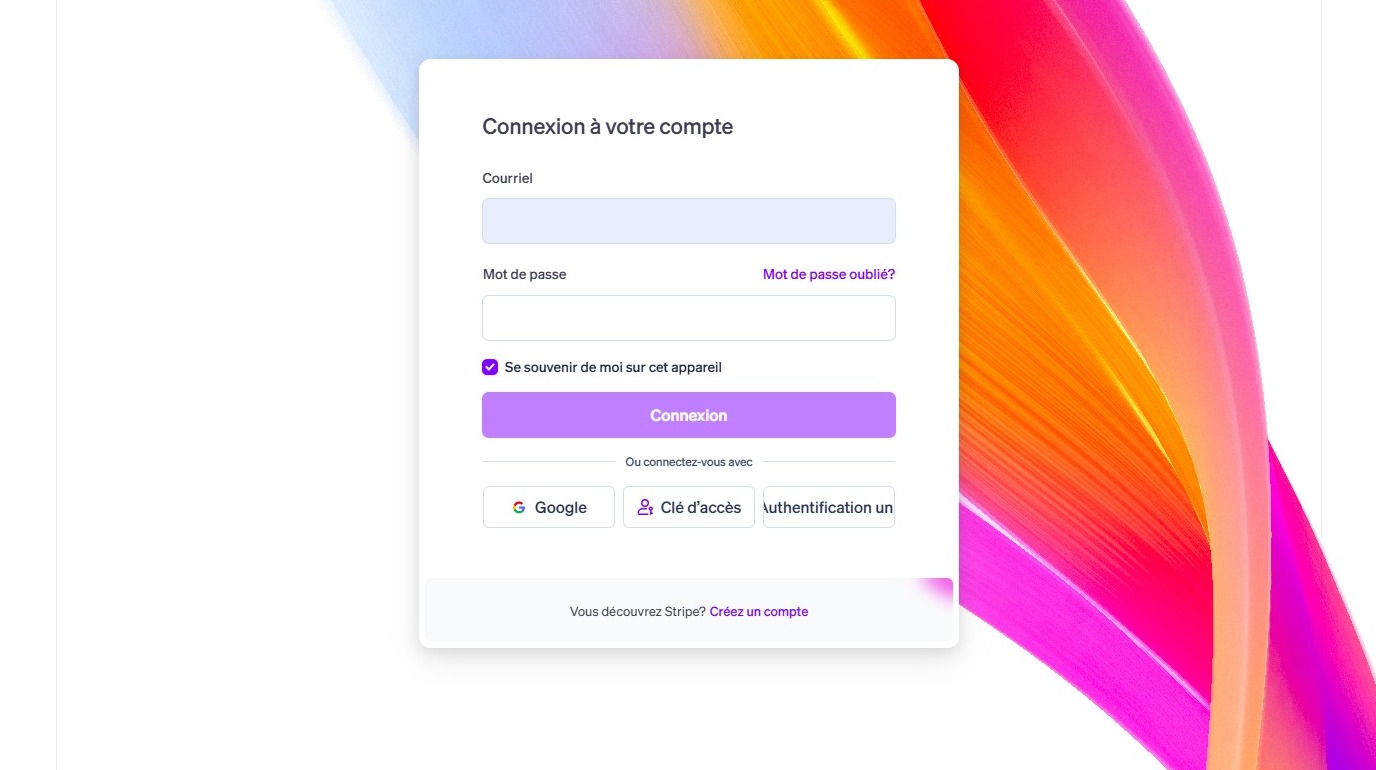
2. Enter your the email adress associated with your account and click "Connexion"
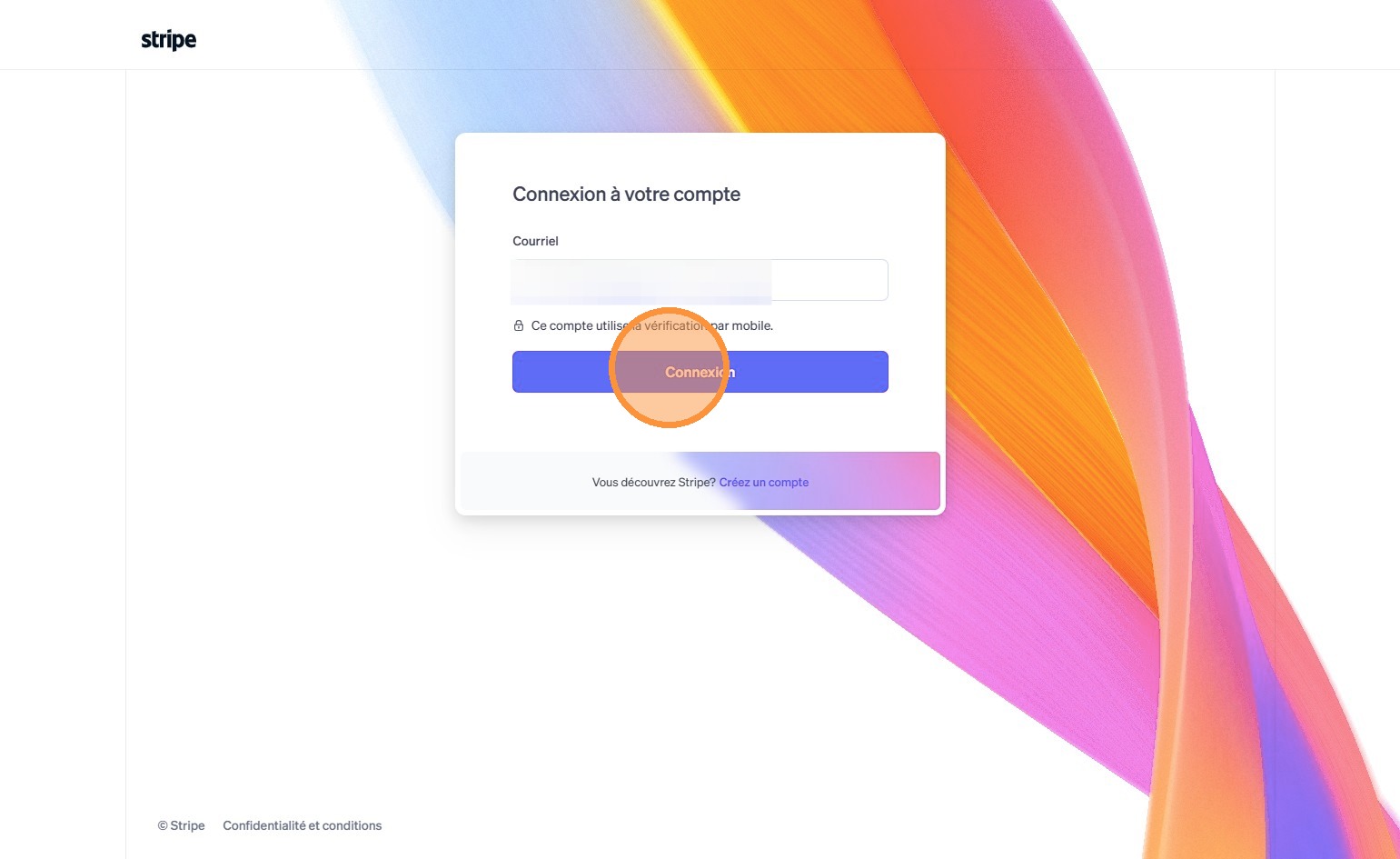
3. If 2FA is required, type the code you will receive by SMS.

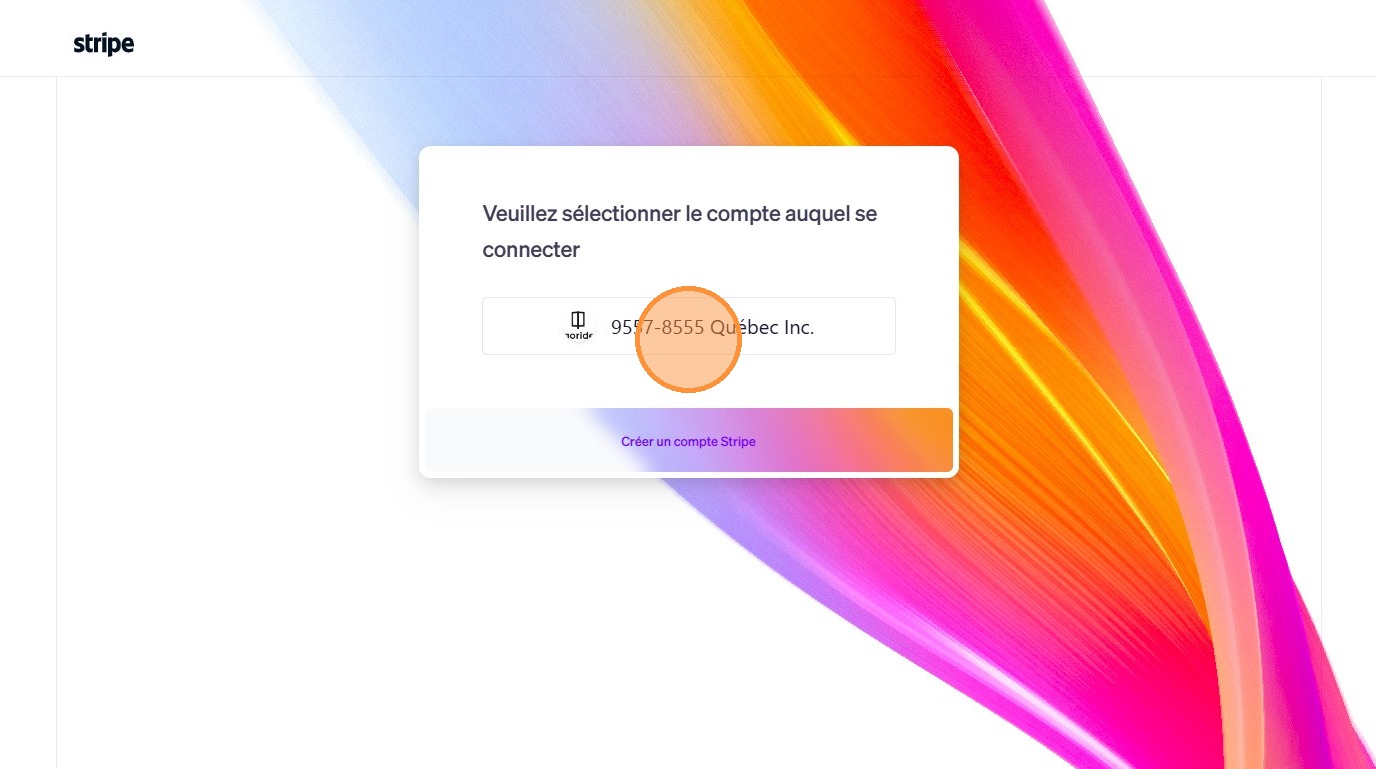
4. Click "9557-8555 Québec Inc." (That's GoRide's legal name)
5. Click "Solde"
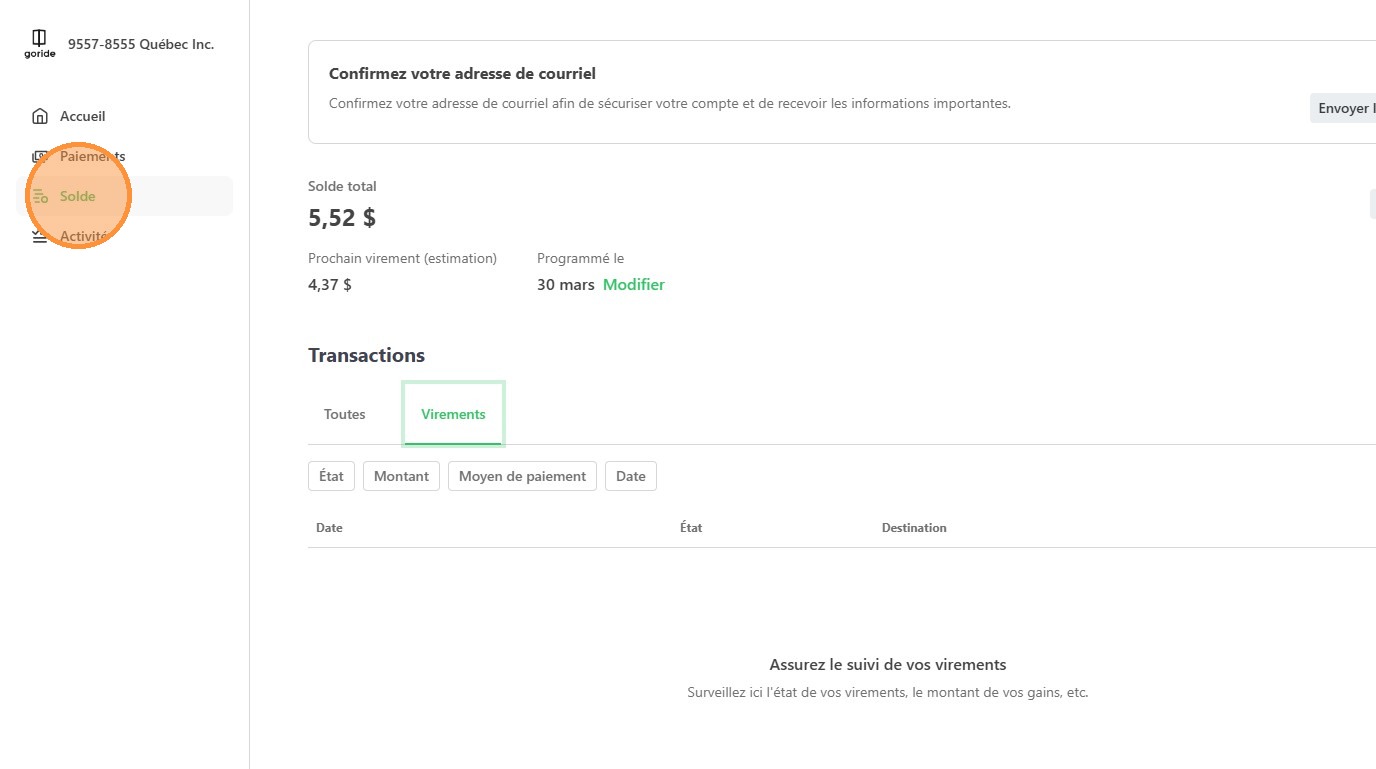
6. Click "Virements"
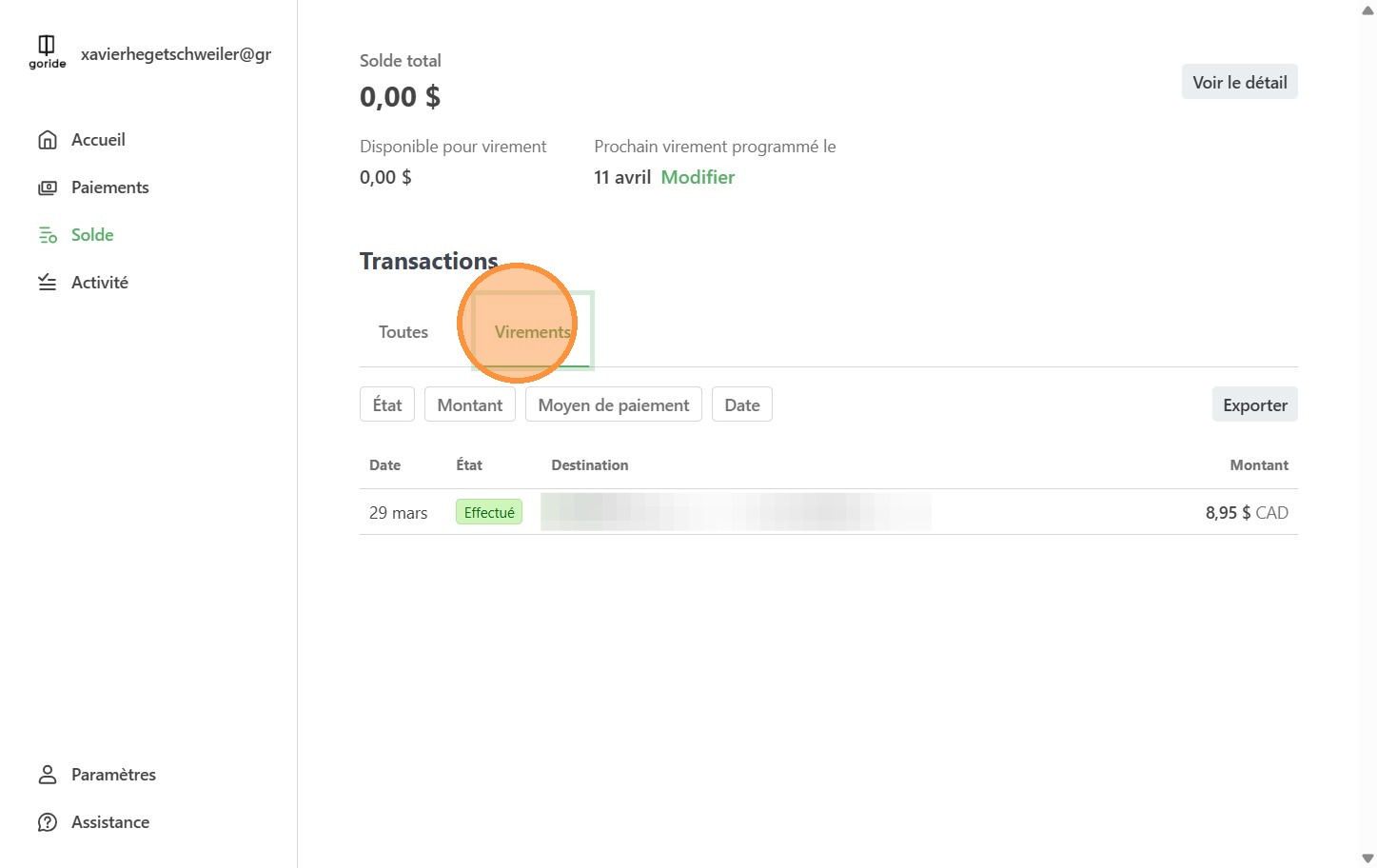
7. To extract the data, click "Exporter"
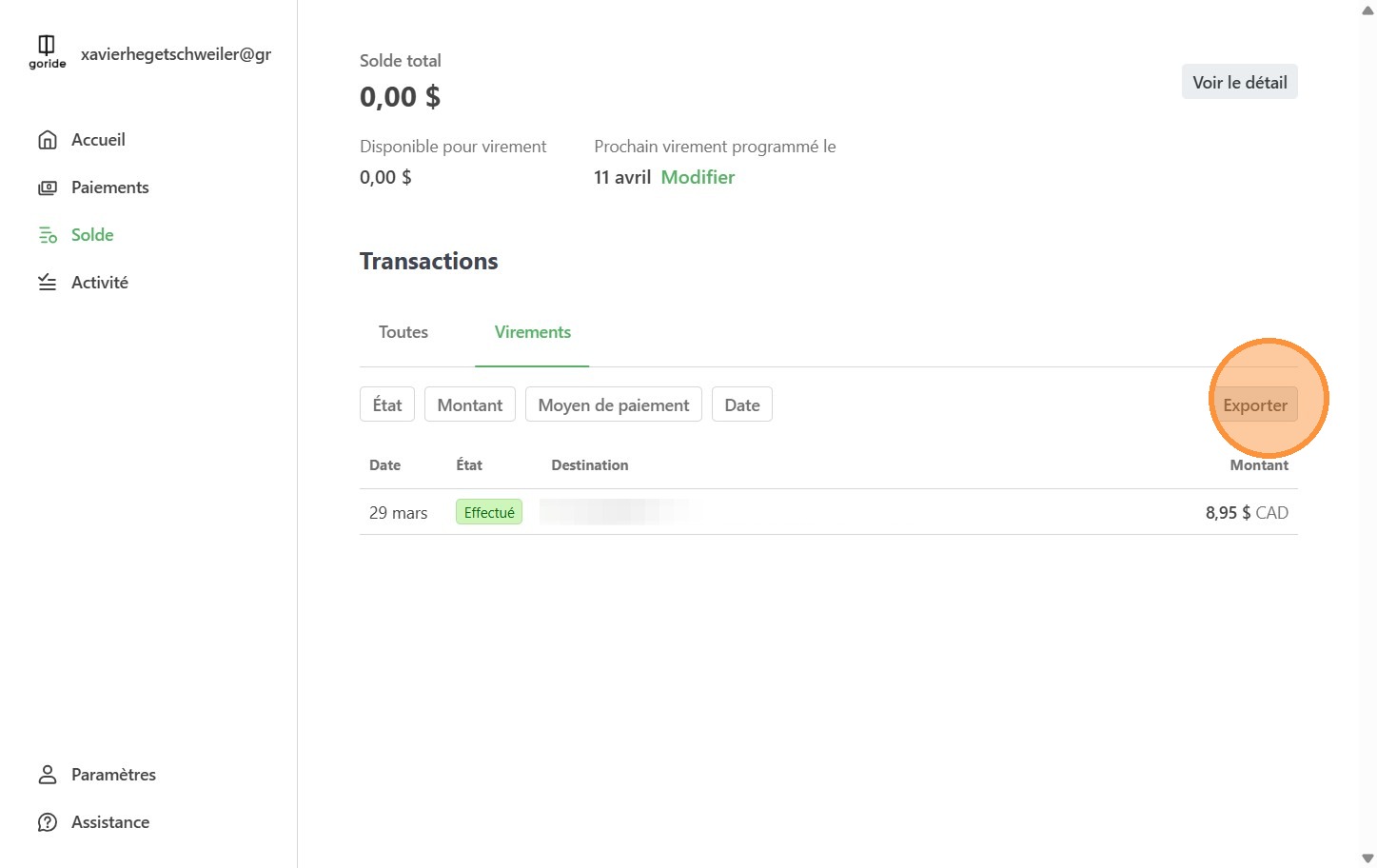
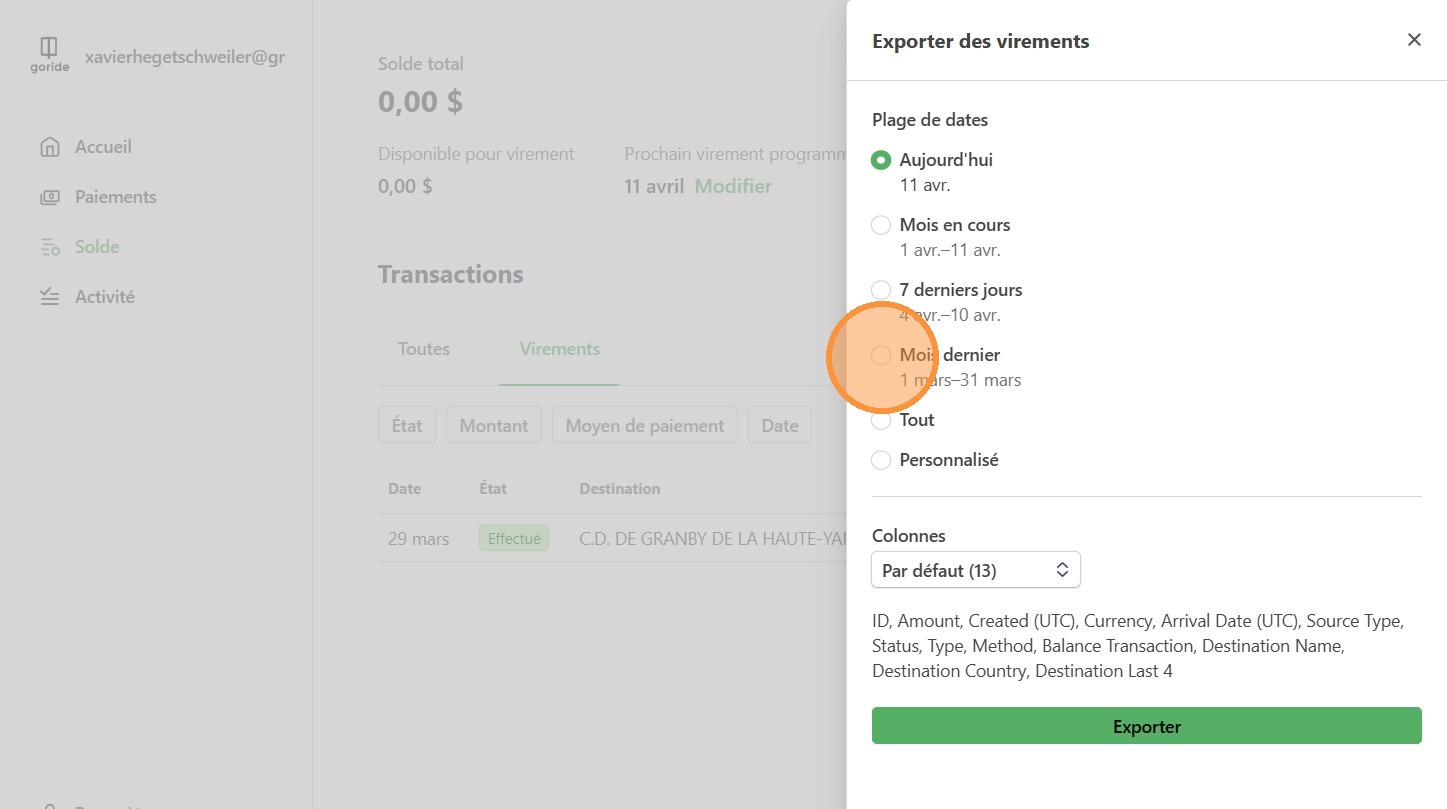
8. Choose the timeframe for which you want to export the data.
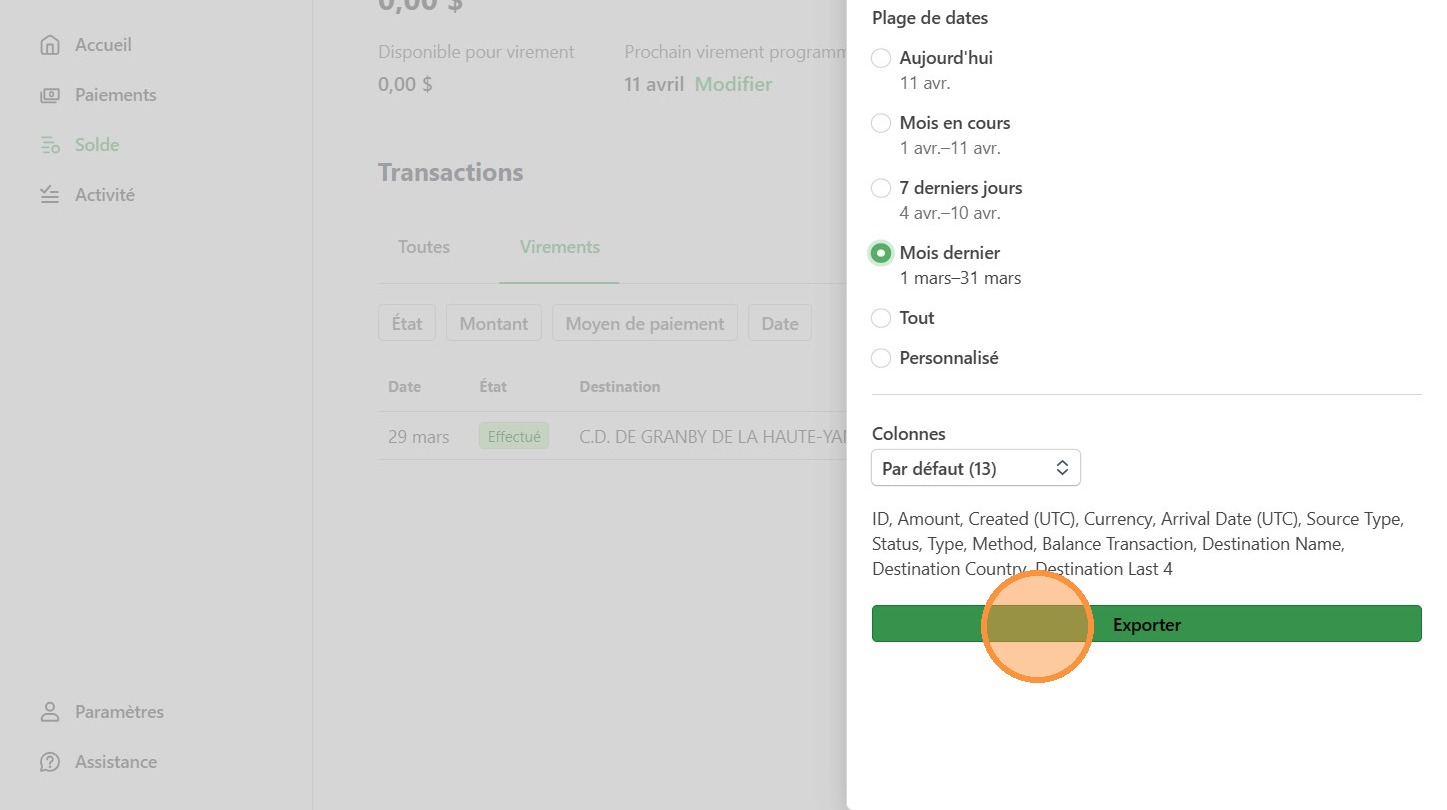
9. Click "Exporter"
⬇️
A .csv file will be downloaded to your computer.
⚠️
Reminder: Applicable sales taxes based on the Merchant’s location (GST/QST in Québec) are included in the amounts paid out by Stripe. The Merchant is solely responsible for the collection, reporting, and remittance of all applicable taxes related to its activities, including GST and QST. GoRide does not act as the Merchant’s tax agent and assumes no responsibility in this regard.
❓
Confirm with your accountant that this method works. If needed, you can also export the detailed list of all transactions made during the month.