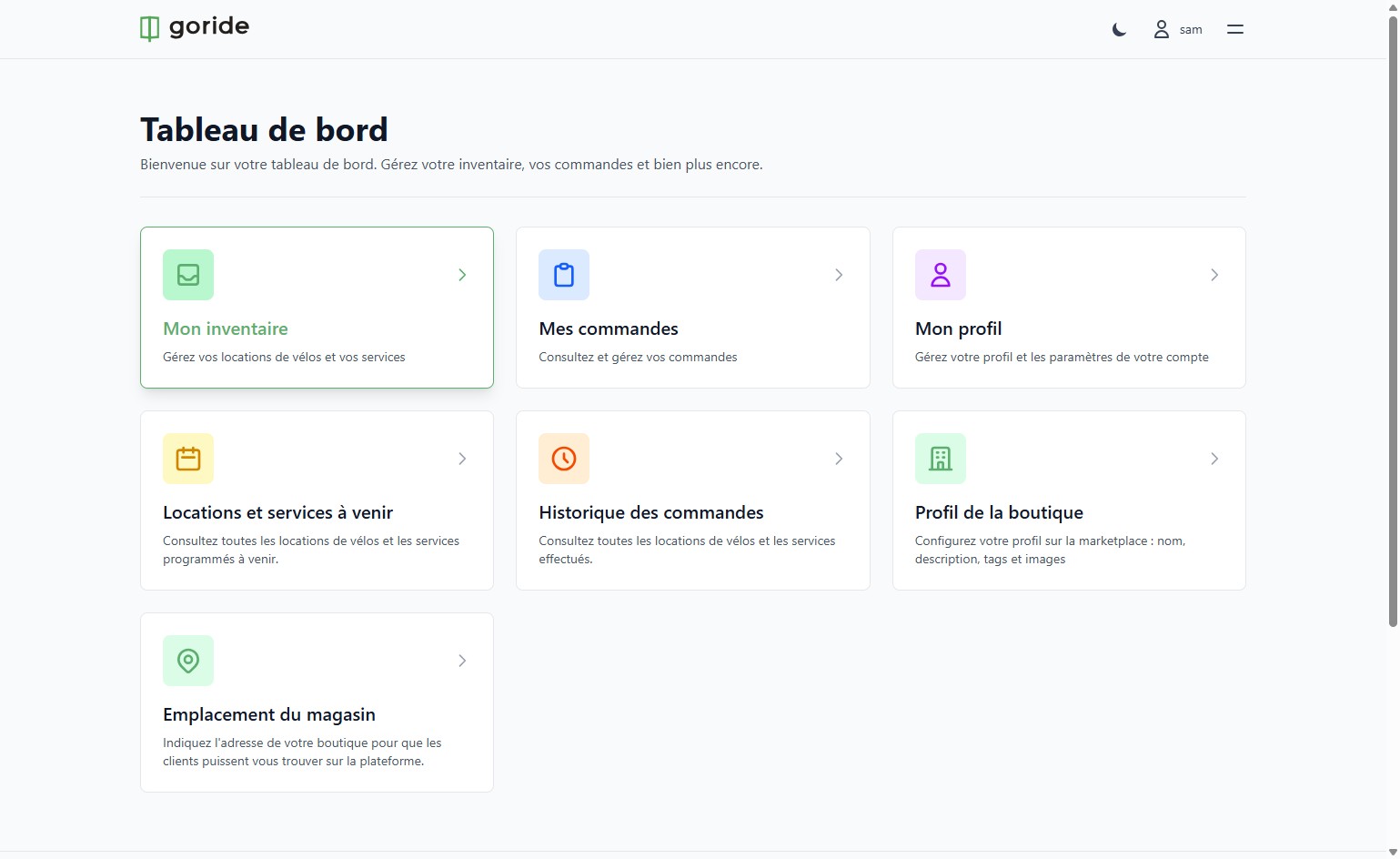
Step 1 — Go to Your Dashboard
Navigate to your GoRide merchant dashboard.
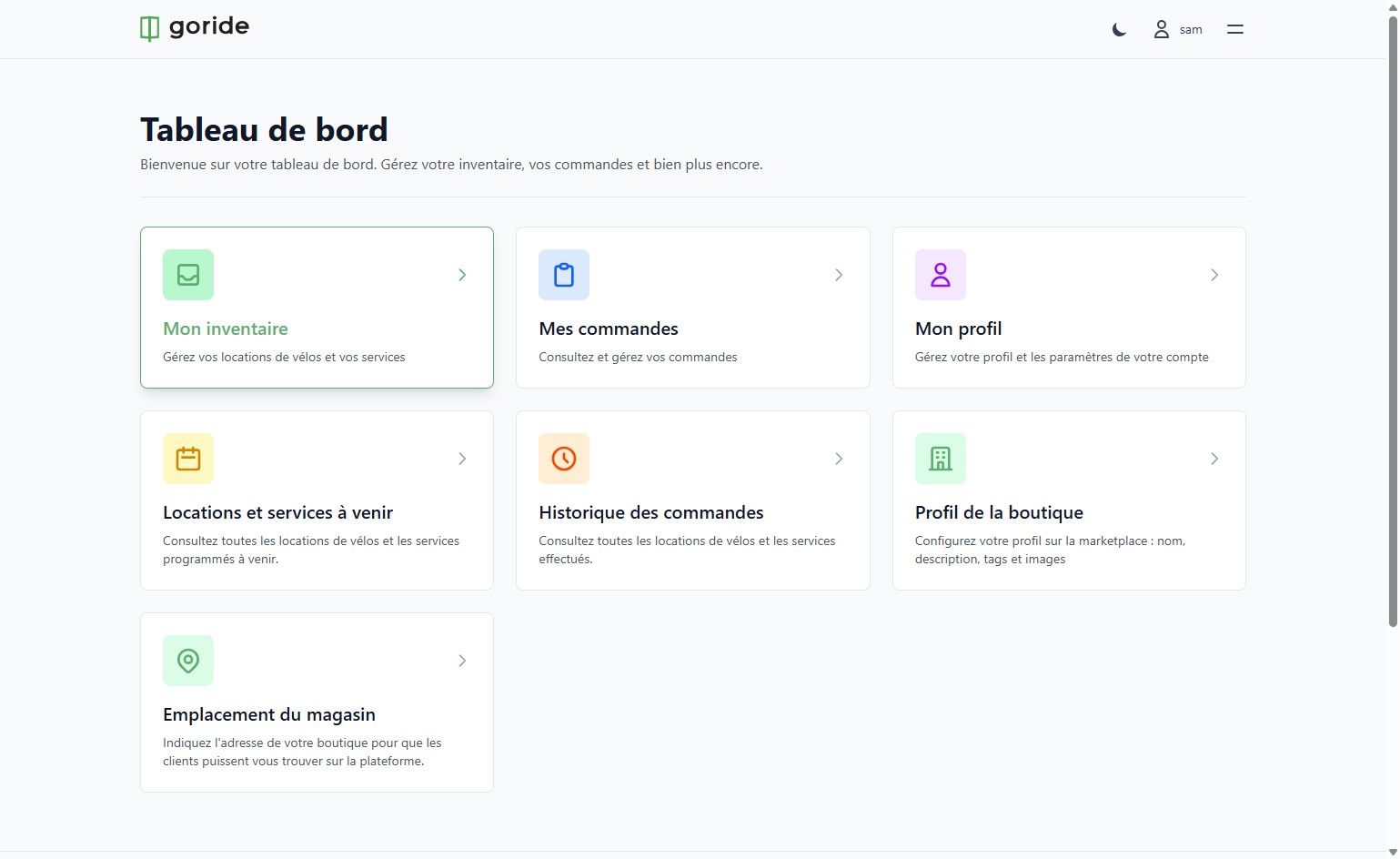
Step 2 — Open Your Inventory
Click on **"Mon inventaire"** to access your bike rental and services management section.
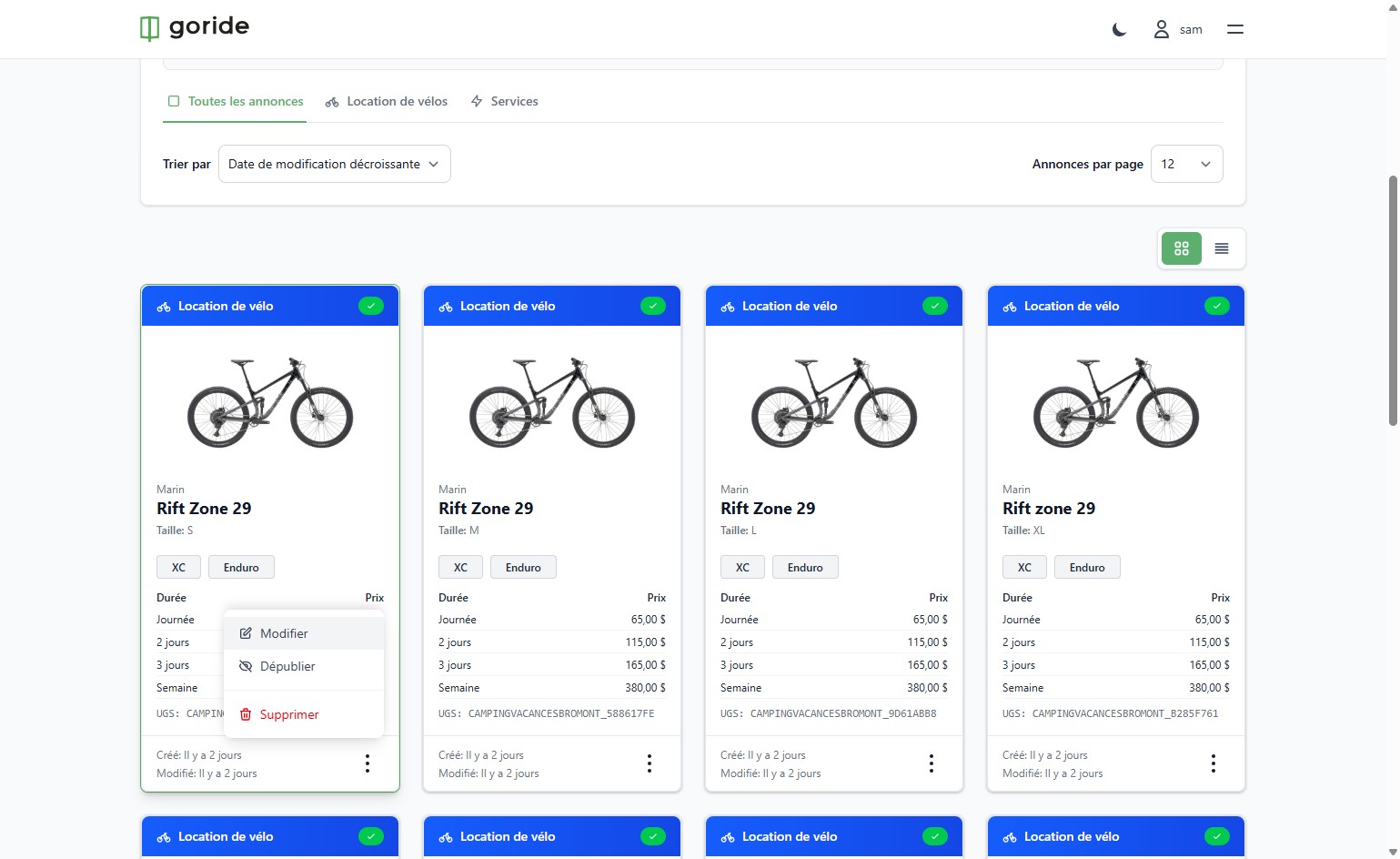
Step 3 — Click Edit
Click **"Modifier"** to open the item's editing options.
Step 4 — Add a Duration
Click **"Ajouter la durée"** to add a new rental duration to this item.
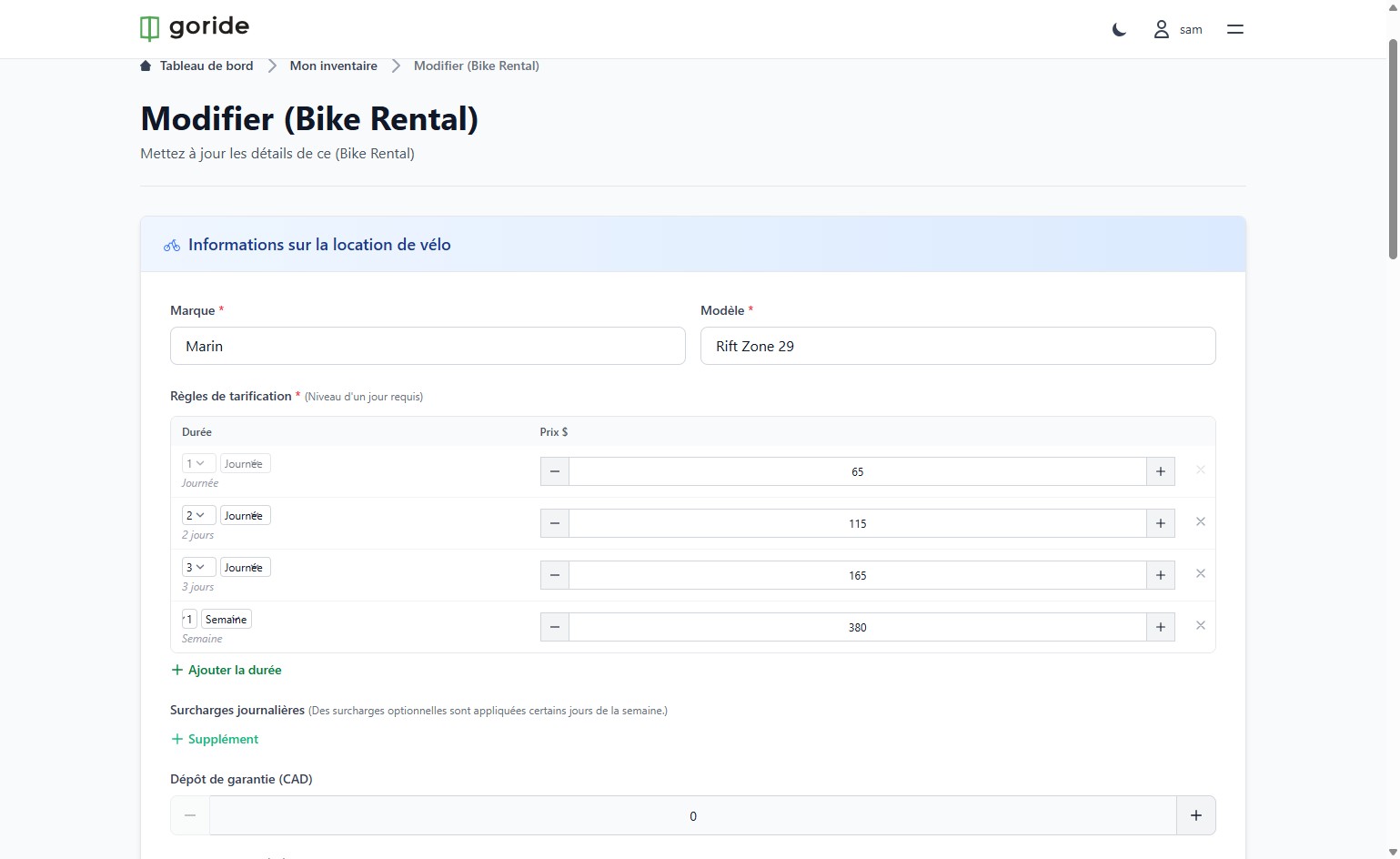
Step 5 — Select Half Day
From the duration options, select **"Demi"** (Half Day).
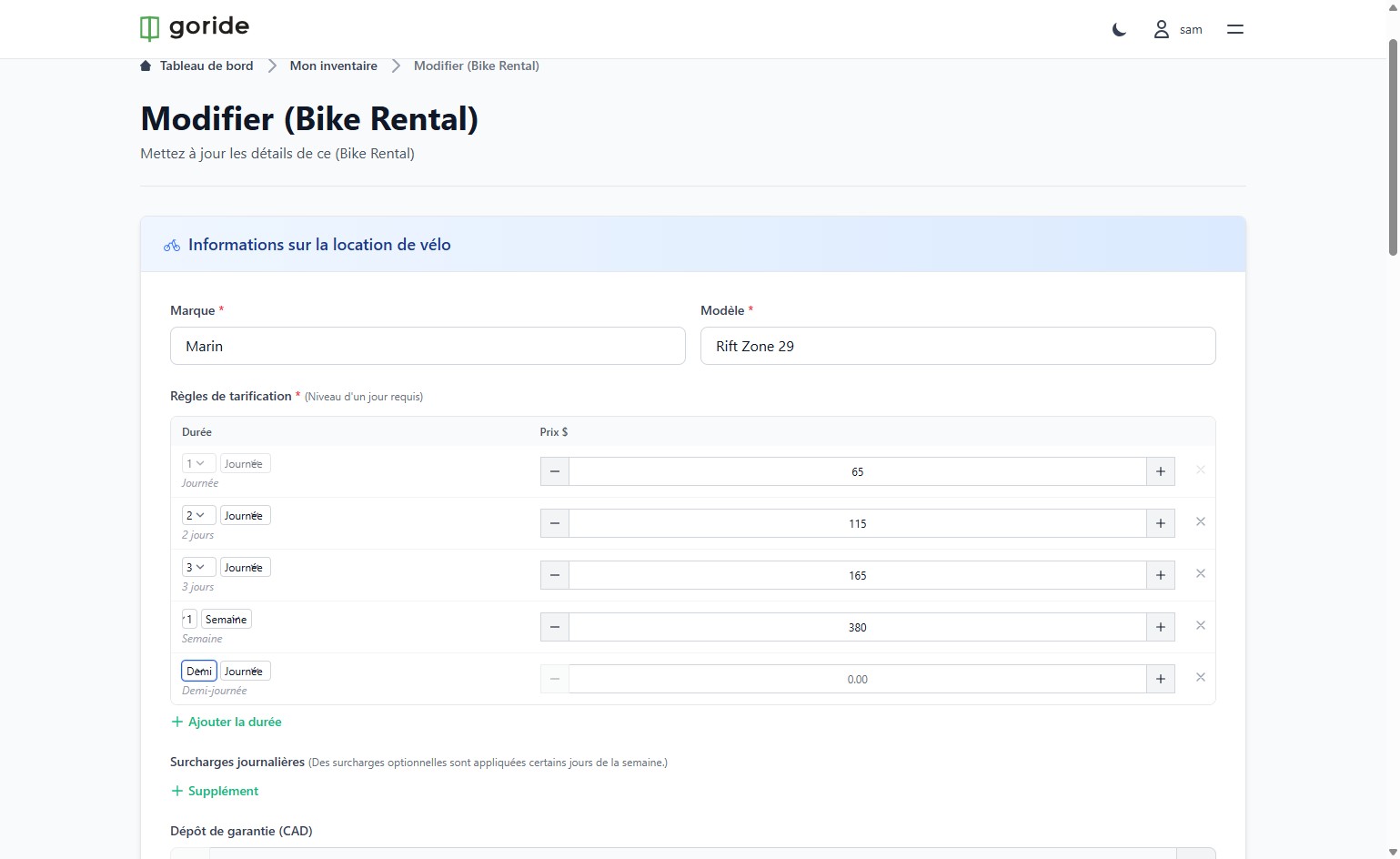
Step 6 — Enter the Price
Click on the price field showing **"0.00"** and enter your half-day rental price.
Step 7 — Publish
Click **"Publier"** to save and publish your changes.
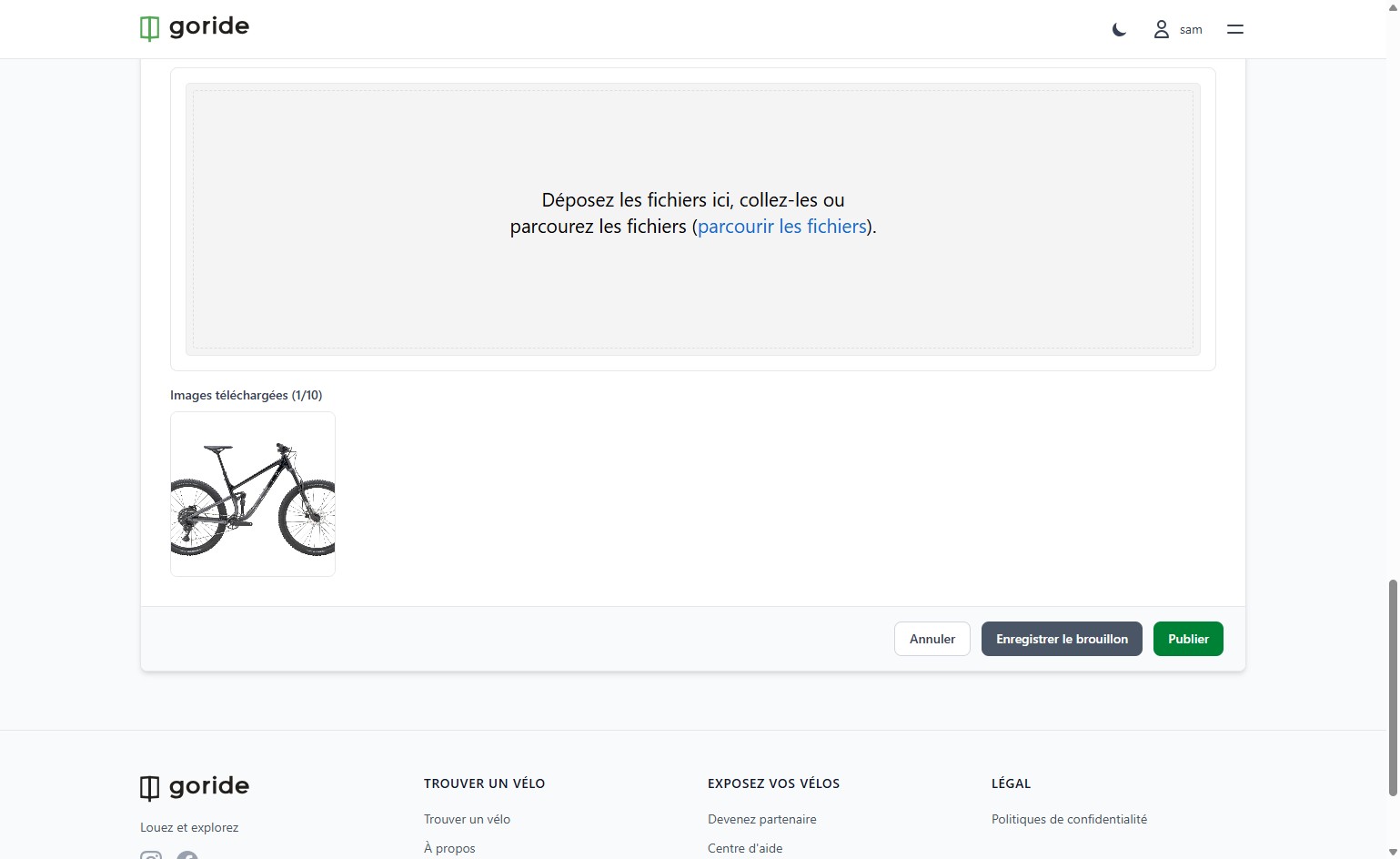
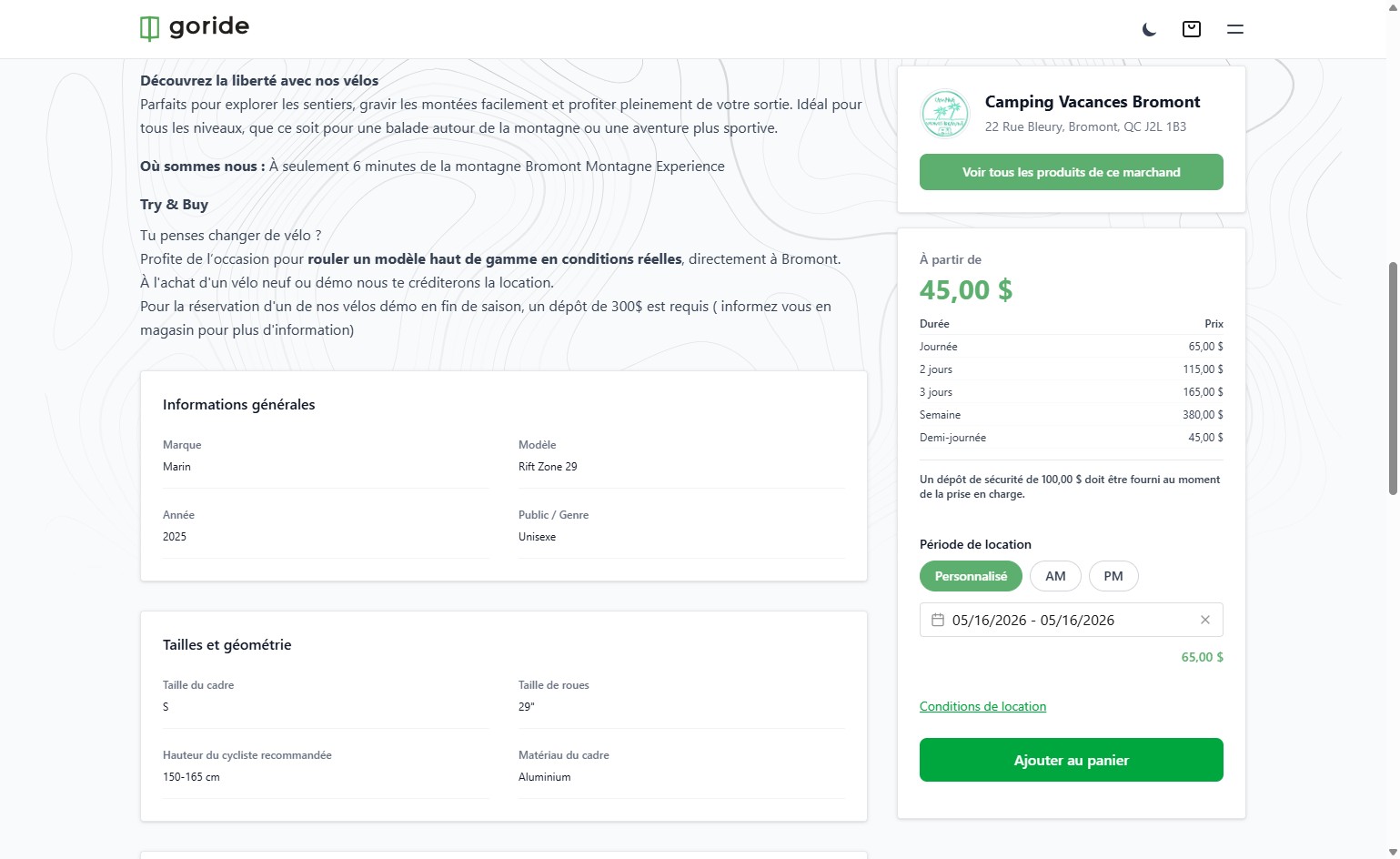
Updated Listing
Your half-day rental option is now live. Customers can book it directly from your GoRide listing and specify the duration for their rental.